What Is Microsoft Dataverse? A Practical Guide for Businesses
What Microsoft Dataverse is, how tables, security and business logic work, and when to choose it over SharePoint lists or SQL.
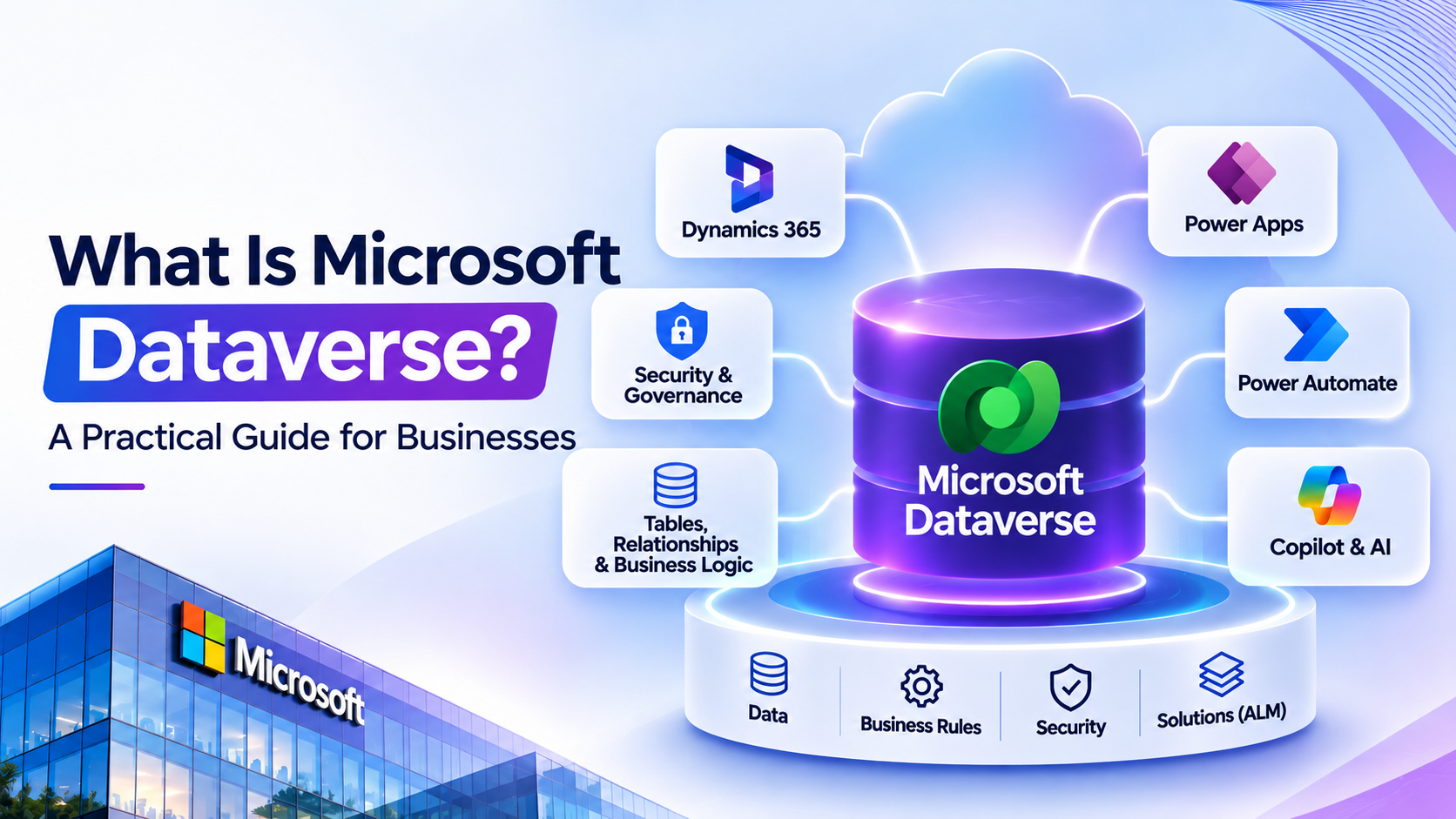
What Is Microsoft Dataverse? A Practical Guide for Businesses
Behind every reliable business application is a reliable data layer. When apps store data in scattered spreadsheets, SharePoint lists, and departmental databases, problems soon follow: duplicate records, inconsistent rules, weak security, and reports nobody fully trusts.
Microsoft Dataverse is Microsoft's answer to this problem for the Power Platform and Dynamics 365. It is the data platform underneath Dynamics 365 CRM applications and a powerful option for anyone building serious business apps with Power Apps and Power Automate. In this guide, we explain what Dataverse is, how it works, its most important features, and when it is the right choice.
What Is Microsoft Dataverse?
Dataverse is a cloud-based, secure, and scalable data platform that stores and manages data used by business applications. It was previously known as the Common Data Service.
Think of Dataverse as more than a database. Alongside data storage, it provides:
- A structured data model of tables, columns, and relationships.
- A built-in, enterprise-grade security model.
- Business logic such as rules, validation, and calculated values.
- Auditing, APIs, and integration capabilities.
- Solution-based packaging for moving apps between environments.
Because all of this is managed by Microsoft in the cloud, organisations get enterprise data capabilities without managing database servers, backups, or infrastructure.
How Dataverse Is Structured
Tables, Columns, and Rows
Data in Dataverse is stored in tables (formerly called entities). Each table has columns (fields) and rows (records). Dataverse comes with a set of standard tables, such as Account, Contact, and User, which are shared across Dynamics 365 and Power Platform apps. Organisations can also create custom tables for their own processes, such as inspections, assets, or project requests.
Columns support rich data types, including text, numbers, currency, dates, choices, lookups, files, and images.
Relationships
Tables can be related through one-to-many and many-to-many relationships. For example, one account can have many contacts, and a contact can attend many events. Relationships make it easy to build apps and reports that navigate connected data naturally.
Environments
Dataverse databases live inside environments, which act as containers for apps, flows, and data. Most organisations use separate environments for development, testing, and production, which supports safe change management.
Key Features of Dataverse
Enterprise-Grade Security
Security is one of Dataverse's biggest strengths. It includes:
- Security roles that define what users can create, read, update, and delete.
- Business units that reflect your organisational structure and control data visibility.
- Teams for granting access to groups of users.
- Record ownership and sharing for fine-grained access.
- Column-level security to protect sensitive fields, such as salaries or personal identifiers.
Authentication is handled through Microsoft Entra ID, so access is tied to your organisation's existing identity management.
Business Logic Without Code
Dataverse lets organisations enforce rules at the data layer, so they apply no matter which app or integration changes the data:
- Business rules for validation and simple logic.
- Calculated and rollup columns for derived values.
- Formula columns using Power Fx.
- Low-code plugins and Power Automate flows triggered by data changes.
For advanced needs, developers can write plugins in C# that run inside the Dataverse transaction pipeline.
Auditing and Compliance
Dataverse can track changes to records, recording who changed what and when. This supports audit requirements and helps troubleshoot data issues. Integration with Microsoft Purview and data loss prevention policies helps organisations meet governance obligations.
APIs and Integration
Dataverse exposes a standard Web API based on OData, as well as SDKs for .NET. This makes it straightforward to integrate with external systems, websites, and services. Options include Power Automate connectors, Azure Functions, Azure Service Bus integration, virtual tables that display external data without copying it, and data export to Azure Data Lake or Microsoft Fabric for analytics.
Solutions and Application Lifecycle Management
Customisations in Dataverse are packaged into solutions. Solutions bundle tables, apps, flows, and other components so they can be moved from development to test to production in a controlled way. Combined with tools such as the Power Platform CLI and pipelines, this supports professional DevOps practices.
Copilot and AI Features
Dataverse powers many of the AI experiences in Power Platform and Dynamics 365. Copilot can help create tables from natural-language descriptions, and Dataverse data can ground Copilot answers in business information that users have permission to see.
Dataverse vs SharePoint Lists vs SQL Database
A common question is when to use Dataverse instead of SharePoint lists or a traditional SQL database.
SharePoint Lists
SharePoint lists are excellent for simple trackers and lightweight apps. They are easy to create and are included in Microsoft 365. However, they have limitations with complex relationships, large data volumes, and fine-grained security.
Use SharePoint lists when the data is simple, volumes are modest, and security requirements are basic.
Azure SQL Database
SQL databases offer great flexibility and performance, and are well suited to custom applications built by developers. However, security, business logic, auditing, and user interfaces must be built and maintained separately.
Use SQL when you are building fully custom applications, need specialised database features, or have large analytical workloads.
Dataverse
Dataverse sits in the middle: richer than SharePoint lists, and far more ready-to-use for business apps than a raw database.
Use Dataverse when:
- Your app has related tables and complex data.
- You need role-based or record-level security.
- Business rules must apply consistently across apps and integrations.
- You are extending Dynamics 365 or building model-driven Power Apps.
- You need proper application lifecycle management across environments.
Licensing and Capacity Considerations
Dataverse is included with Dynamics 365 licences and with premium Power Apps licences. Storage is capacity-based and divided into database, file, and log capacity. Organisations should monitor storage use, archive old data where appropriate, and store large files in the most cost-effective place.
Because licensing details change over time, it is worth reviewing current Microsoft licensing guidance or working with a partner when planning a Dataverse solution.
Best Practices for Working with Dataverse
1. Design the Data Model First
Plan tables, relationships, and keys before building apps. Reuse standard tables such as Account and Contact where they fit, rather than creating duplicates.
2. Use Separate Environments
Build in development, test in a test environment, and deploy to production using managed solutions. Avoid making changes directly in production.
3. Keep Security Simple and Structured
Design security roles around job functions and use business units and teams to control access. Avoid granting system administrator rights to everyday users.
4. Put Critical Logic at the Data Layer
Rules that must always apply should be enforced in Dataverse through business rules, plugins, or validation, rather than only in one app's interface.
5. Manage Data Volume
Monitor storage, archive historical data, and use file storage or SharePoint integration for large documents.
6. Establish Governance
Use data loss prevention policies, environment strategies, and the Power Platform admin center to keep Dataverse usage secure and well managed.
Conclusion
Microsoft Dataverse provides a secure, scalable, and intelligent data foundation for business applications. It powers Dynamics 365, supports enterprise-grade Power Apps, and brings security, business logic, auditing, and lifecycle management together in one managed platform. For organisations moving beyond spreadsheets and simple lists, it offers a dependable way to build applications that scale.
At Zyppro Technologies, we design Dataverse data models, build Power Platform and Dynamics 365 solutions, and develop integrations using Azure and custom code. If you are planning a business application or need help with an existing Dataverse environment, tell us what you're building and our team will help you design it the right way.