Top Dynamics 365 CRM and Power Apps Interview Questions (with Answers)
Real Dynamics 365 CRM and Power Apps interview questions with clear answers, covering plugins, security, ALM, Dataverse and canvas apps.
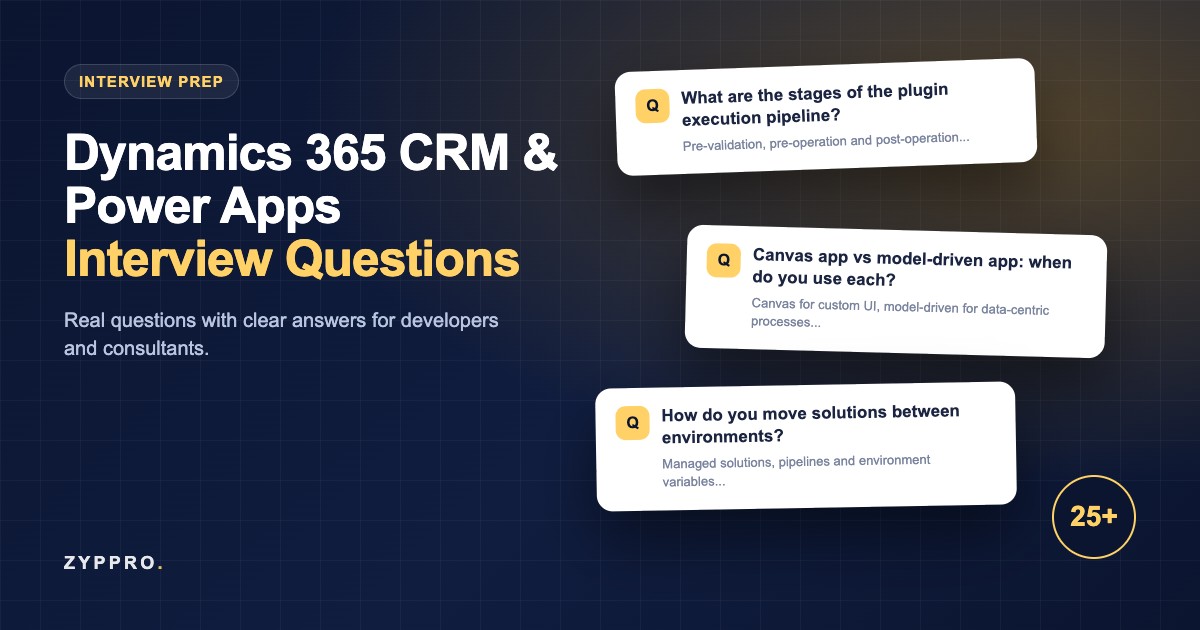
Whether you are applying for a Dynamics 365 CRM developer, functional consultant or Power Platform role, interviews tend to cover the same core areas. This list collects questions we regularly see in real interviews, with short, clear answers you can build on with your own project examples.
Tip: for every answer, add one sentence about where you used it. "In my last project, we used a pre-operation plugin to…" is what convinces interviewers.
Part 1: Dataverse and configuration
1. What is Dataverse? Dataverse is the data platform behind Dynamics 365 CE and the Power Platform. It stores data in tables with relationships, business logic, security and auditing built in.
2. What types of tables are there? Standard (built-in), custom, activity tables (such as email, phone call and task), virtual tables (data that stays in an external system) and elastic tables for very large, high-volume data.
3. What relationship types does Dataverse support? One-to-many, many-to-one and many-to-many. Relationship behaviour (parental, referential, cascade settings) controls what happens on delete, assign and share.
4. Business rule vs JavaScript: when do you use each? Business rules are no-code and good for simple show/hide, required-field and default-value logic. JavaScript is needed for complex logic, calling APIs or working with tabs, sub-grids and dynamic behaviour.
5. What is a business process flow? A guided stage-by-stage process shown at the top of a form, for example Qualify → Develop → Propose → Close for opportunities.
Part 2: Security
6. Explain the Dataverse security model. Access is controlled through business units, security roles (privileges at user, business unit, parent-child or organisation level), teams, record sharing, hierarchy security and field-level security.
7. Owner team vs access team? Owner teams can own records and have security roles. Access teams don't own records; they give a group of users access to specific records, often through a template on the form.
8. How do you hide sensitive data such as salary from most users? Use field-level security profiles so only selected users or teams can read or update that column.
Part 3: Plugins and development
9. What are the stages of the plugin execution pipeline? Pre-validation (outside the database transaction), pre-operation (inside the transaction, before the data is saved) and post-operation (after the data is saved, inside the transaction for synchronous steps).
10. Synchronous vs asynchronous plugins? Synchronous plugins run immediately and can block or change the operation; the user waits. Asynchronous plugins run in the background, which is better for long-running work that doesn't need to stop the save.
11. What are pre-images and post-images? Snapshots of the record before or after the operation, registered on a plugin step. They let you compare old and new values without an extra retrieve.
12. How do you prevent infinite loops in plugins?
Check the execution Depth, filter steps on specific attributes, and avoid updating the same record and attributes that trigger the plugin.
13. What is a PCF control? A Power Apps Component Framework control is a custom UI component built in TypeScript. It can replace a standard field or grid with something like a slider, map or rich visual.
14. How do you call Dataverse from outside? Through the Dataverse Web API (OData) or the .NET SDK, authenticated with Microsoft Entra ID, typically using an app registration and an application user.
Part 4: ALM and deployment
15. Managed vs unmanaged solutions? Unmanaged solutions are used in development and can be edited. Managed solutions are deployed to test and production; they are locked and can be cleanly removed.
16. How do you move configuration between environments? Export solutions from development, deploy them as managed solutions through Power Platform pipelines, Azure DevOps or GitHub Actions, and use environment variables and connection references for values that change per environment.
17. What is solution layering? Each managed solution adds a layer on top of the base system. The top layer wins. Problems appear when an unmanaged change in production sits above managed layers, so production changes should go through solutions.
Part 5: Power Apps
18. Canvas app vs model-driven app? Canvas apps start from a blank screen and give full control over layout. They suit mobile and task-focused apps and can connect to hundreds of data sources. Model-driven apps are generated from the Dataverse data model with forms, views and dashboards. They suit complex, data-centric processes.
19. What is delegation in canvas apps? Delegation means the data source processes the filter or sort instead of the app. If a function isn't delegable, the app only processes the first records locally (500 by default, configurable up to 2,000), which can give wrong results on large tables.
20. How do you improve canvas app performance?
Use delegable queries, load data with Concurrent(), avoid heavy logic in OnStart (use named formulas and App.StartScreen), reduce the number of controls, and cache reference data in collections.
21. What are components and component libraries? Reusable sets of controls with custom properties, for example a standard header or navigation bar, shared across apps through a component library.
22. What is Power Pages? A platform for external-facing websites that read and write Dataverse data, with authentication and table permissions for customers or partners.
Part 6: Power Automate
23. Cloud flow vs desktop flow? Cloud flows automate between services and APIs. Desktop flows (RPA) automate legacy desktop or web applications without APIs.
24. How do you handle errors in a flow? Use scopes with "Configure run after" to build try-catch-finally patterns, log errors and send notifications.
25. When would you use a plugin instead of a flow? When logic must run synchronously inside the transaction, must be very fast, or must block a save. Flows are better for asynchronous, cross-system automation.
Part 7: Scenario questions
- "A form loads slowly. How do you investigate?" Talk about form scripts, too many sub-grids, the Monitor tool, network calls and plugins on retrieve.
- "The client wants data from an ERP in Dynamics every hour. Design it." Cover the integration tool, upserts with alternate keys, error handling and API limits.
- "A user can't see a record they should. How do you troubleshoot?" Check business unit, security roles, ownership, sharing and team membership.
Final preparation checklist
- Revise the plugin pipeline, security model and ALM.
- Prepare three project stories: a difficult bug, an integration and a time you pushed back on a requirement.
- Build a small demo app you can talk through or share on screen.
How Zyppro can help
Zyppro Technologies works with Dynamics 365 and Power Platform professionals worldwide and provides live job support for developers and consultants on real projects. If you want expert guidance, or you're a company hiring Dynamics talent, visit www.zyppro.com or email contact@zyppro.com.