Power BI and Dataverse: Turning Your CRM Data into Decisions
Connection options, modelling tips and security basics for building Power BI reports on Dynamics 365 and Dataverse data.
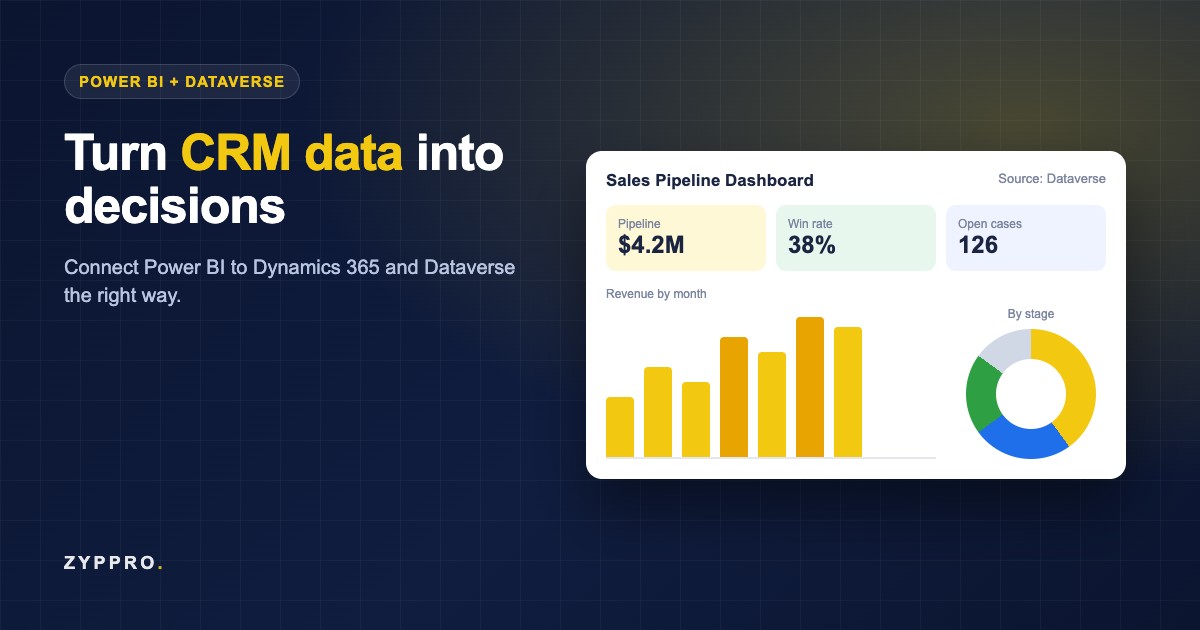
Most organisations running Dynamics 365 or Power Apps already have the data they need to make better decisions. Pipeline value, case resolution times, technician utilisation, renewal risk: it is all sitting in Dataverse. The problem is getting it out in a form leaders actually use.
Power BI is the natural partner for Dataverse. This article explains how to connect the two, how to model the data properly, and which mistakes make CRM reports slow or untrustworthy.
Why built-in Dynamics views aren't enough
Dynamics 365 views and charts are useful for day-to-day work. But they struggle when you need to:
- combine CRM data with finance, ERP or marketing data
- show trends over months or years
- calculate measures such as win rate, average deal cycle or first-contact resolution
- share one consistent set of numbers with management
That is where a proper Power BI model helps.
Choosing how to connect
There are three common patterns. The right one depends on data volume and how fresh the numbers need to be.
1. Dataverse connector with Import mode
Power BI copies the data into its own model on a schedule. Reports are fast and you can use the full DAX language. This is the best starting point for most small and mid-sized organisations.
2. Dataverse connector with DirectQuery
Power BI queries Dataverse live every time a visual loads. Data is always current and Dataverse security is respected per user. The trade-off is speed and some modelling limits. Use it when near real-time data matters more than performance.
3. Link to Microsoft Fabric or Azure Synapse Link
For large volumes or heavy analytics, Dataverse data can be replicated into a lakehouse or data lake. Power BI then reads from there. This keeps load off your transactional system and makes it easy to join CRM data with other sources.
Rule of thumb: start with Import, move to a Fabric or Synapse link when refresh times or data size become a problem.
Model the data, don't just load it
The most common reason CRM reports disappoint is a poor model. A few principles:
- Use a star schema. Keep facts (opportunities, cases, activities) separate from dimensions (accounts, users, products, dates).
- Add a proper date table. Mark it as a date table and relate it to created on, closed on and due dates.
- Load only what you need. Dataverse tables have many system columns. Remove the ones you don't use to keep refresh fast.
- Handle option sets. Choice columns return numeric values. Bring in the labels so reports show "Won" rather than "1".
- Write measures, not calculated columns. Measures such as win rate or average resolution time should be DAX measures so they respond to filters.
Security: decide early
Users can see only certain records in Dynamics. Your reports should follow the same rules.
- With Import mode, Dataverse security is not applied automatically. Use row-level security (RLS) in Power BI, for example filtering by business unit or owner.
- With DirectQuery, Dataverse security can apply per user, but test performance carefully.
Agreeing the security approach before you build saves rework later.
Dashboards teams actually use
Some reports consistently deliver value:
- Sales pipeline: pipeline by stage, forecast against target, deal ageing, win rate by owner and region.
- Customer service: open cases by priority, SLA compliance, resolution time trend, case volume by channel.
- Field service: work orders completed, first-time fix rate, technician utilisation, travel against work time.
- Account health: activity in the last 90 days, open cases, revenue trend and renewal dates in one view.
Keep each page focused on one question and put the most important number at the top left.
Embedding reports where people work
Power BI reports can be embedded in model-driven apps, shown as dashboards inside Dynamics 365, or pinned to Microsoft Teams. When reports live where users already work, they get used.
How Zyppro can help
Zyppro Technologies builds Power BI solutions on Dynamics 365, Dataverse, Business Central and Azure data. We design the data model, set up secure refresh and row-level security, and create dashboards your teams will rely on. We work remotely or onsite and deliver anywhere in the world.
Want better visibility from your CRM? Visit www.zyppro.com or email contact@zyppro.com.