Microsoft Dynamics 365 CRM: A Complete Guide for Growing Businesses
What Dynamics 365 CRM is, how its Sales, Customer Service and Field Service apps work, and how to implement it successfully.
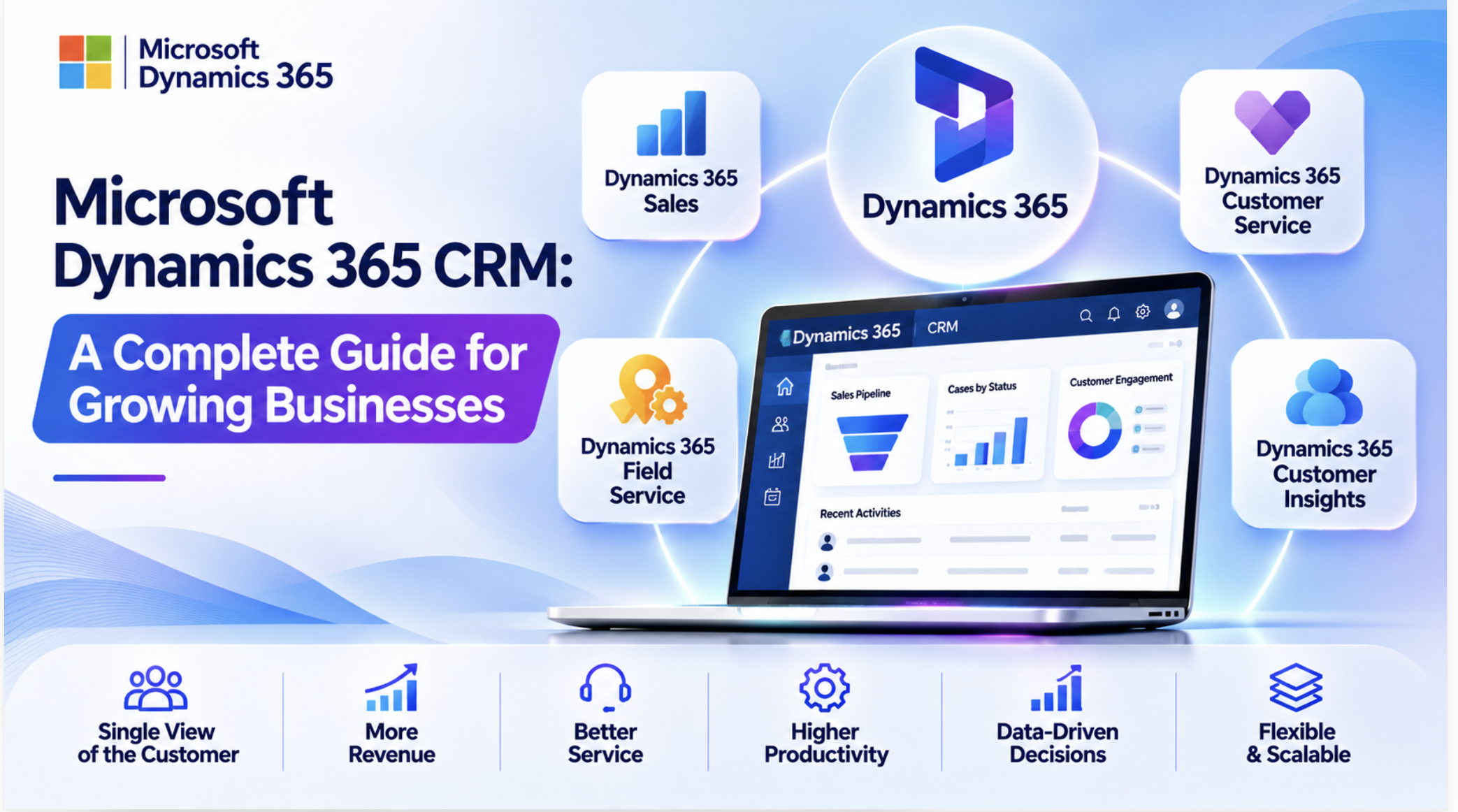
Microsoft Dynamics 365 CRM: A Complete Guide for Growing Businesses
Every growing business eventually reaches the same point. Customer details live in spreadsheets, inboxes, and the memories of a few key people. Sales forecasts are educated guesses, service requests slip through the cracks, and leadership has no single view of the customer. This is the moment a Customer Relationship Management (CRM) system stops being a nice-to-have and becomes essential.
Microsoft Dynamics 365 CRM is one of the most widely adopted CRM platforms for mid-sized and enterprise organisations. In this guide, we explain what it is, how its applications fit together, the features that matter most, and what it takes to implement it successfully.
What Is Microsoft Dynamics 365 CRM?
"Dynamics CRM" is the name many people still use for what Microsoft now calls the Dynamics 365 Customer Engagement applications. These are a family of business apps that help organisations manage the full customer lifecycle, from the first marketing touchpoint through sales, service, and ongoing support.
Rather than being one monolithic product, Dynamics 365 is modular. You license and deploy the applications you need and add others as you grow. All of them share a common data platform, Microsoft Dataverse, which means customer, account, and activity data is stored once and reused everywhere.
The Core Dynamics 365 CRM Applications
Dynamics 365 Sales
Dynamics 365 Sales helps teams manage leads, opportunities, accounts, and contacts through a structured pipeline. Sales representatives can track every interaction, follow guided business process flows, and see which deals need attention. Managers get pipeline views, forecasts, and dashboards that show performance by team, region, or product.
Key capabilities include lead qualification, opportunity management, quotes and orders, product catalogues and price lists, and sales forecasting.
Dynamics 365 Customer Service
Customer Service centralises case management so support teams can log, route, and resolve customer issues efficiently. Cases can arrive through email, web forms, chat, or phone and are routed to the right agent based on rules such as skills, workload, or priority.
Service level agreements (SLAs), a shared knowledge base, and entitlement tracking help teams deliver consistent service and measure how well they are meeting customer commitments.
Dynamics 365 Field Service
For businesses that send technicians on-site, such as equipment maintenance, utilities, installations, or facilities management, Field Service manages work orders, scheduling, dispatch, inventory, and mobile access for technicians. The scheduling board helps dispatchers match the right technician to the right job based on skills, location, and availability.
Dynamics 365 Customer Insights
Customer Insights brings together customer data from multiple sources to build unified profiles and run personalised marketing journeys. It covers segmentation, email and event marketing, and real-time customer journeys triggered by customer behaviour.
Key Features That Set Dynamics 365 Apart
Deep Microsoft 365 Integration
For organisations already using Microsoft 365, this is often the deciding factor. Dynamics 365 works directly with Outlook, so users can track emails and meetings against CRM records without leaving their inbox. Integration with Microsoft Teams lets users collaborate on records and share CRM data in conversations, while SharePoint can manage documents related to accounts and opportunities.
Built-In AI with Copilot
Microsoft has embedded Copilot across Dynamics 365. In Sales, it can summarise opportunities, draft follow-up emails, and prepare meeting briefs. In Customer Service, it can suggest responses, summarise long case histories, and help agents find answers in the knowledge base. These features reduce administrative work and help staff focus on customers.
Flexibility Through the Power Platform
Because Dynamics 365 is built on Dataverse, it extends naturally with the Power Platform. Teams can add custom tables, build Power Apps for specialised processes, automate tasks with Power Automate, and create reports in Power BI, often without heavy development.
Enterprise-Grade Security
Dynamics 365 uses a role-based security model with business units, security roles, teams, and field-level security. This allows organisations to control exactly who can see and edit which data, which is essential for regulated industries and large teams.
Business Benefits of Dynamics 365 CRM
Organisations that implement Dynamics 365 well typically gain:
- A single view of the customer, with every email, call, meeting, case, and order linked to the right account.
- More predictable revenue, through structured pipelines and data-driven forecasting.
- Faster, more consistent service, with automated routing, SLAs, and shared knowledge.
- Higher productivity, as AI and automation remove repetitive data entry.
- Better decisions, with real-time dashboards and Power BI reporting.
- Room to grow, because new apps and custom processes can be added without replacing the platform.
Dynamics 365 CRM vs Other CRM Platforms
Businesses often compare Dynamics 365 with platforms such as Salesforce or HubSpot. Each has strengths. Dynamics 365 tends to be a particularly strong fit when:
- The organisation is already invested in Microsoft 365, Azure, or Teams.
- There is a need to connect CRM closely with ERP, such as Dynamics 365 Finance and Operations or Business Central.
- The business wants extensive customisation using low-code tools rather than relying only on developers.
- Data residency, security, and governance requirements are strict.
The right choice depends on your processes, existing technology, and long-term roadmap, which is why a proper requirements assessment matters before committing.
How to Implement Dynamics 365 CRM Successfully
A CRM project is as much about people and process as it is about software. These steps help avoid the most common pitfalls.
1. Define Clear Business Goals
Start with outcomes, not features. Do you want shorter sales cycles, better forecast accuracy, faster case resolution, or improved customer retention? Clear goals guide every configuration decision and help measure success later.
2. Map Your Current Processes
Document how leads, opportunities, and service requests flow today, including the workarounds. This reveals what should be standardised, what should be automated, and where the real pain points are.
3. Start with Standard Functionality
Dynamics 365 includes a great deal out of the box. Configure before you customise. Heavy customisation increases cost and makes future upgrades harder, so reserve custom development for processes that genuinely differentiate your business.
4. Plan Data Migration Carefully
Clean data is the foundation of a useful CRM. Remove duplicates, standardise formats, and decide what historical data is worth migrating. Migrating poor-quality data simply moves the problem into a new system.
5. Plan Integrations Early
Identify the systems CRM must talk to, such as ERP, marketing tools, telephony, websites, or finance applications. Decide early whether integration will use standard connectors, Power Automate, Azure services, or custom APIs.
6. Invest in Training and Adoption
User adoption makes or breaks a CRM. Involve key users early, provide role-specific training, and appoint internal champions. Show each team how the system makes their work easier, not just how it helps management report on them.
7. Roll Out in Phases
Rather than launching everything at once, start with one team or one process, gather feedback, and expand. A phased approach reduces risk and builds confidence across the organisation.
8. Measure and Improve Continuously
After go-live, track adoption and the metrics tied to your original goals. Dynamics 365 receives regular updates from Microsoft, so plan periodic reviews to adopt new capabilities and refine processes.
Common Mistakes to Avoid
- Treating CRM as an IT project only. Business stakeholders must own the processes.
- Over-customising from day one. It adds cost and complexity before you know what users need.
- Ignoring data quality. Bad data quickly erodes user trust.
- Skipping training. Without it, users fall back to spreadsheets.
- No ongoing ownership. A CRM needs an owner who keeps it aligned with the business.
Conclusion
Microsoft Dynamics 365 CRM gives organisations a connected way to manage sales, service, field operations, and marketing on a single, secure platform. Its tight integration with Microsoft 365, embedded Copilot capabilities, and extensibility through the Power Platform make it a strong foundation for businesses that want to grow without outgrowing their systems.
The real value, however, comes from a well-planned implementation: clear goals, clean data, sensible configuration, and a strong focus on user adoption.
At Zyppro Technologies, our Dynamics 365 team helps businesses plan, implement, customise, and support Dynamics 365 CRM. Whether you are starting fresh or improving an existing system, tell us what you're building and we'll help you find the right approach.