How to Hire Dynamics 365 Contract Developers Without Slowing Your Project
Skills to check, questions to ask and onboarding steps that get a Dynamics 365 contractor productive in days, not weeks.
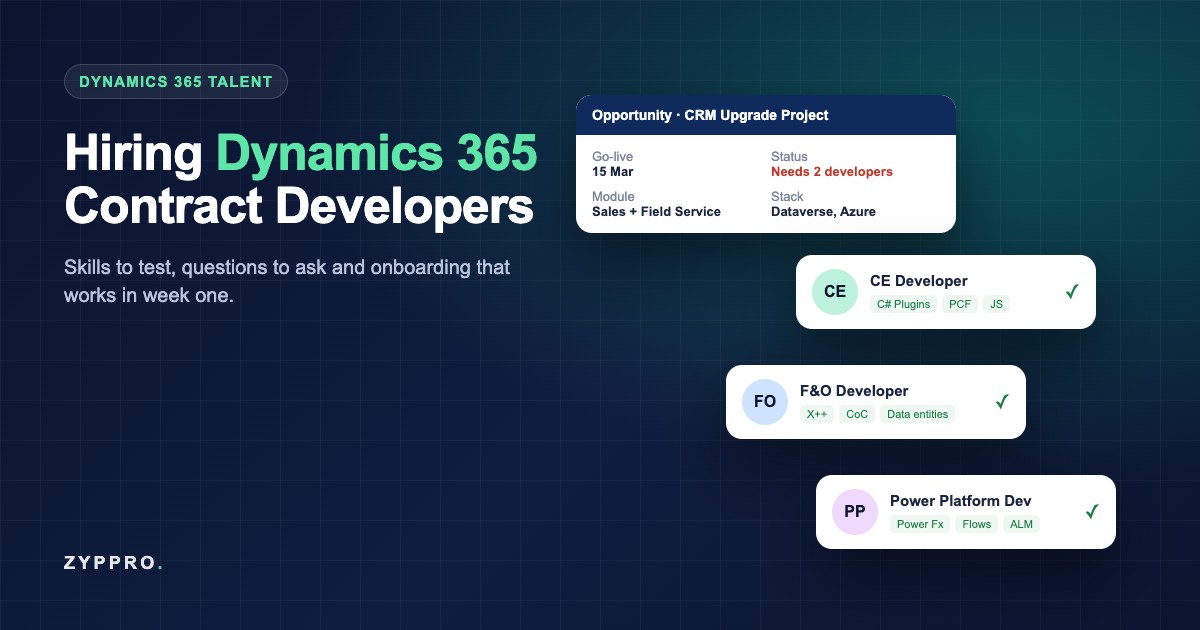
Dynamics 365 projects rarely fail because of the platform. They stall because the right people aren't available at the right time. A go-live date is fixed, a key developer leaves, or a new integration appears halfway through the project, and suddenly the team needs extra hands that already know Dynamics.
Contract developers are the fastest way to close that gap. But hiring the wrong contractor costs more than hiring none at all. This guide covers what to look for, what to ask and how to onboard a Dynamics 365 contractor so they add value from week one.
Start with the right role definition
"Dynamics 365 developer" covers very different skill sets. Before you post a role or talk to a partner, be clear about which side of Dynamics you need:
- Customer Engagement (CE) / Dataverse: Sales, Customer Service, Field Service and model-driven Power Apps. Core skills: C# plugins, JavaScript form scripting, PCF controls, Power Automate, solution management and Dataverse security.
- Finance & Operations (F&O): Finance, Supply Chain Management and related apps. Core skills: X++, extensions and Chain of Command, data entities, batch jobs, SSRS reports, and Lifecycle Services or Power Platform admin center environments.
- Business Central: AL language, extensions, APIs and the Business Central admin centre.
- Integration: Azure Functions, Logic Apps, Service Bus, Dataverse Web API, OData and middleware such as SSIS with KingswaySoft.
A precise title such as "D365 CE plugin and PCF developer" attracts the right people. "Dynamics consultant" attracts everyone.
Skills worth testing (not just listing)
Every CV says "Dynamics 365". These areas separate experienced contractors from beginners:
- ALM discipline. Do they work with managed and unmanaged solutions correctly? Have they used Azure DevOps or GitHub pipelines to move solutions between environments?
- Performance awareness. Do they know when to use a synchronous plugin and when an asynchronous one? Can they explain why a plugin causes recursion or timeouts?
- Security model. Business units, security roles, teams and field-level security are where many bugs hide.
- Integration thinking. How would they sync 200,000 records from an ERP without hitting API limits?
- Communication. Contractors join running projects. They need to read existing code, ask the right questions and document what they change.
Interview questions that reveal real experience
- "Walk me through the last plugin you wrote. Which message and stage did you register it on, and why?"
- "A form takes eight seconds to load. How do you find the cause?"
- "How do you deploy a hotfix to production without breaking a solution layer?"
- "For F&O: when would you use Chain of Command instead of an event handler?"
- "Tell me about a time a requirement was wrong. What did you do?"
Good contractors answer with specifics: entity names, error messages, trade-offs. Weak answers stay generic.
Onboarding: the first five days
The fastest contractor is the one who doesn't wait for access. Prepare this before day one:
- Accounts and licences: a Microsoft Entra ID account, a Dynamics licence and the correct security role in the development environment.
- Environments: access to dev and test, and clear rules about production.
- Source control: repository access, branching strategy and the pipeline that builds solutions.
- Documentation: a solution map (which solution holds which components), naming conventions and the integration diagram.
- A first small task: a bug fix or a small enhancement that touches the real codebase. It builds context faster than reading documents.
Common mistakes to avoid
- Hiring for the tool, not the module. A strong Sales developer may know little about Field Service scheduling.
- No code reviews. Contractors leave. Code reviews keep knowledge in your team.
- Unclear ownership. Decide who approves deployments and who talks to the business.
- Skipping knowledge transfer. Book handover time into the contract from the start.
Contractor, freelancer or partner?
Individual freelancers work well for short, clearly defined tasks. For longer projects or multiple skill sets, working with a delivery partner gives you continuity: if one developer becomes unavailable, the partner replaces them without restarting the project.
How Zyppro can help
Zyppro Technologies provides experienced Dynamics 365 CE, F&O, Business Central and Power Platform developers on contract, freelance and project basis. Our consultants work remotely or onsite and deliver anywhere in the world. We also offer live job support for developers who need an expert alongside them on a live project.
Need a Dynamics 365 developer quickly? Visit www.zyppro.com or email contact@zyppro.com to discuss your project.