Dynamics 365 Finance and Operations: What It Is and Who Needs It
A clear guide to Dynamics 365 Finance and Operations: its core modules, who it suits, how it compares with Business Central, and implementation tips.
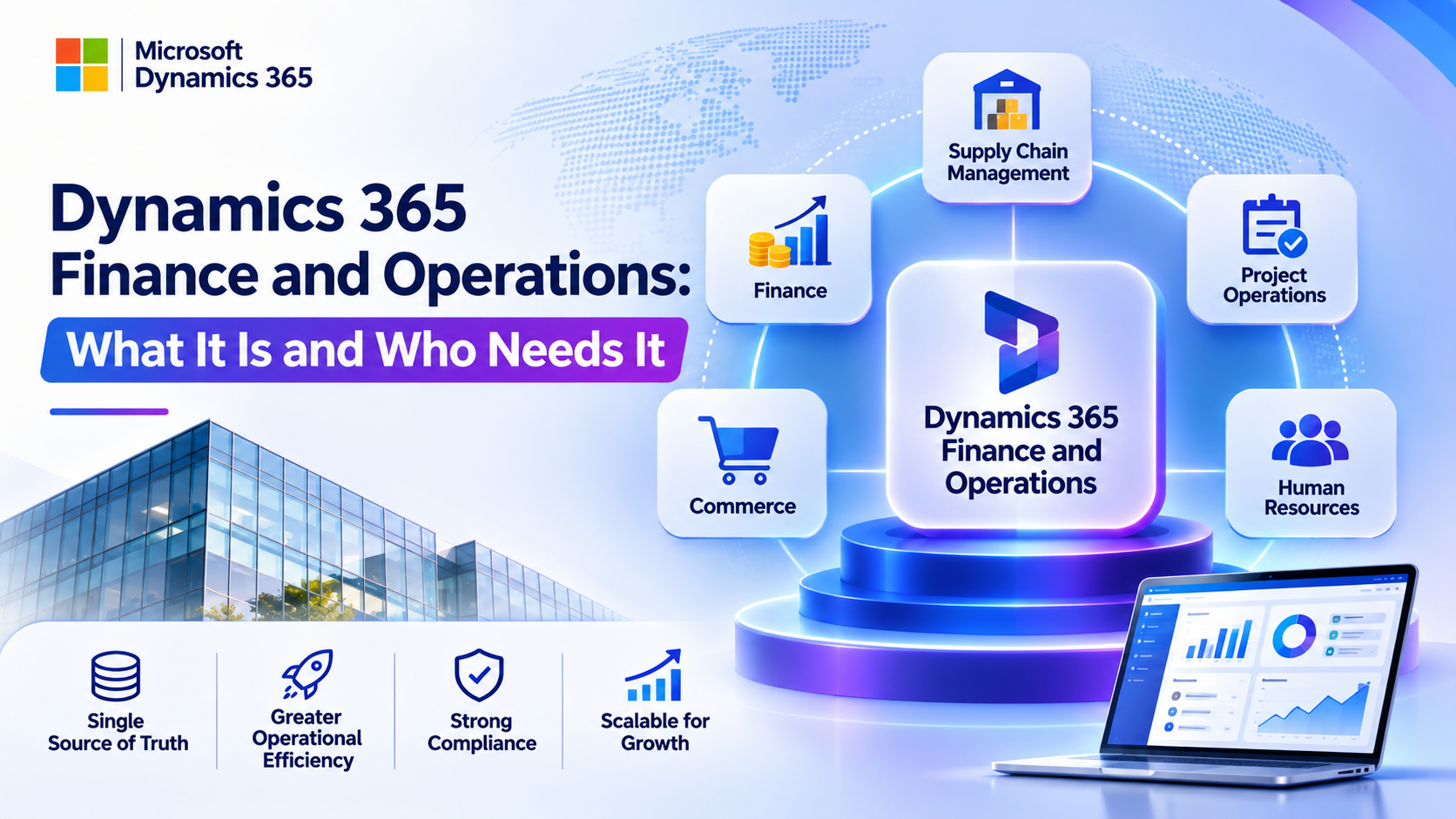
Dynamics 365 Finance and Operations: What It Is and Who Needs It
As organisations grow across entities, countries, warehouses, and product lines, the systems that once kept the books and tracked stock start to strain. Month-end closes take longer, inventory figures disagree between teams, and leadership struggles to get a reliable, real-time picture of the business. This is where an enterprise ERP platform becomes critical.
Dynamics 365 Finance and Operations, often shortened to D365 F&O, is Microsoft's enterprise resource planning (ERP) solution for complex, mid-to-large organisations. In this guide, we explain what it includes, the capabilities that matter most, who it is best suited to, and how to approach implementation.
What Is Dynamics 365 Finance and Operations?
Dynamics 365 Finance and Operations is the umbrella term for a group of Microsoft's enterprise ERP applications. It evolved from Microsoft Dynamics AX and is now a cloud-based, regularly updated platform. Microsoft today often refers to these as the finance and operations apps.
The core applications are:
- Dynamics 365 Finance
- Dynamics 365 Supply Chain Management
- Dynamics 365 Project Operations
- Dynamics 365 Commerce
- Dynamics 365 Human Resources
These apps share a common data model and platform, so finance, operations, and supply chain activity are connected in one system rather than stitched together from separate tools.
Core Modules and Capabilities
Dynamics 365 Finance
Finance manages the financial backbone of the organisation. Key capabilities include:
- General ledger with flexible financial dimensions for detailed reporting by department, cost centre, project, or region.
- Accounts payable and receivable, including vendor invoice processing, payment runs, and collections management.
- Budgeting and budget control, allowing organisations to plan, track, and enforce budgets.
- Fixed assets management covering acquisition, depreciation, and disposal.
- Cash and bank management, including bank reconciliation.
- Multi-company and multi-currency support with intercompany accounting and consolidation.
- Tax and regulatory localisation for many countries, helping organisations meet local reporting requirements.
Dynamics 365 Supply Chain Management
Supply Chain Management (SCM) covers the operational side of the business:
- Procurement and sourcing, from purchase requisitions to vendor management.
- Inventory management across multiple sites and warehouses.
- Warehouse management with advanced picking, packing, and mobile device support.
- Production control for discrete, process, and lean manufacturing.
- Master planning to balance supply and demand.
- Transportation management and asset management for logistics and maintenance.
Project Operations, Commerce, and Human Resources
Project Operations supports project-based businesses with project planning, resource management, time and expense tracking, and project accounting. Commerce unifies retail operations across stores, e-commerce, and call centres. Human Resources manages employee records, leave, benefits, and compliance.
Key Platform Strengths
Built for Complexity and Scale
F&O is designed for organisations with many legal entities, high transaction volumes, complex supply chains, and demanding compliance requirements. Its financial dimensions and multi-company structure give finance teams detailed control and visibility.
Integration with the Microsoft Ecosystem
F&O connects with the wider Microsoft stack:
- Dual-write synchronises data in near real time between F&O and Microsoft Dataverse, linking ERP with Dynamics 365 CRM applications such as Sales and Customer Service.
- Power Platform lets teams extend F&O with Power Apps, automate tasks with Power Automate, and analyse data in Power BI.
- Microsoft 365 integration includes Excel add-ins for viewing and updating data, and collaboration through Teams.
Copilot and AI Capabilities
Microsoft has added Copilot features to finance and operations apps, helping users summarise information, work through vendor and customer communications, and surface insights faster. AI-assisted forecasting and anomaly detection also support planning and financial control.
Continuous Updates
As a cloud service, F&O receives regular platform and application updates from Microsoft. This keeps organisations current but also means testing and release management must be built into ongoing operations.
Business Benefits
Organisations that implement Dynamics 365 Finance and Operations well can expect:
- A single source of truth for financial and operational data.
- Faster financial close, through automation and integrated subledgers.
- Better inventory control, with real-time visibility across sites and warehouses.
- Stronger compliance, supported by localisation, audit trails, and workflow approvals.
- Scalability, adding entities, countries, and business lines on the same platform.
- Connected customer and operational data, when combined with Dynamics 365 CRM.
F&O vs Business Central: Which One Fits?
Microsoft offers two main ERP products, and choosing between them is one of the first decisions businesses face.
Dynamics 365 Business Central is designed for small and mid-sized businesses. It covers finance, sales, purchasing, inventory, and basic manufacturing, and it is quicker and less expensive to implement.
Dynamics 365 Finance and Operations is designed for larger, more complex organisations. It is a better fit when you have:
- Multiple legal entities across several countries.
- Complex manufacturing, warehousing, or distribution operations.
- High transaction volumes and many concurrent users.
- Advanced requirements for budgeting, consolidation, or regulatory reporting.
The right choice depends on your current complexity and your expected growth. Choosing a system that is too small can force an expensive migration later, while choosing one that is too large adds cost and complexity you may not need.
How to Implement Dynamics 365 F&O Successfully
1. Establish Executive Sponsorship
ERP touches nearly every department. Strong leadership support is needed to make process decisions, resolve conflicts, and keep the project moving.
2. Define Requirements and Design Processes
Map current processes, identify gaps, and design future processes around standard functionality wherever possible. Fit-gap analysis helps decide what can be configured and what genuinely needs extension.
3. Follow a Structured Methodology
Microsoft's Success by Design framework provides guidance and checkpoints throughout implementation. Using a structured approach reduces risk, especially around architecture, performance, and go-live readiness.
4. Limit Customisation
F&O is highly extensible using X++ and extensions, but every customisation must be maintained through Microsoft's regular updates. Extend only where it delivers clear business value.
5. Plan Data Migration and Integration
Decide which master data and open transactions to migrate, and clean them before migration. Use the Data management framework for imports and exports, and plan integrations with banks, CRM, e-commerce, logistics providers, and other systems early.
6. Test Thoroughly
Run unit, integration, user acceptance, and performance testing. Involve real users in testing realistic end-to-end scenarios such as procure-to-pay and order-to-cash.
7. Prepare People for Change
Train users by role, appoint super users in each department, and communicate clearly about what will change and why.
8. Plan for Life After Go-Live
Set up support, monitoring, and a process for adopting Microsoft's updates. Continuous improvement ensures the system keeps delivering value as the business evolves.
Common Challenges
- Underestimating data cleanup, delaying migration and go-live.
- Recreating legacy processes instead of adopting better standard practices.
- Too many customisations, increasing cost and update effort.
- Insufficient testing, leading to issues at go-live.
- Weak change management, resulting in poor user adoption.
Conclusion
Dynamics 365 Finance and Operations is a powerful ERP platform for organisations with complex finance, supply chain, and multi-entity needs. Its depth, scalability, and integration with Dataverse, the Power Platform, and Dynamics 365 CRM make it a strong foundation for enterprise growth. Success depends on choosing the right fit, designing processes carefully, and managing change well.
At Zyppro Technologies, our Dynamics 365 specialists help organisations assess, implement, integrate, and support Dynamics 365 applications. If you are evaluating F&O or improving an existing implementation, tell us what you're building and we'll help you plan the right path.