Azure Cloud Migration Checklist for Growing Businesses
A step-by-step checklist for moving to Azure: assess, plan, secure, migrate, test and optimise without surprises.
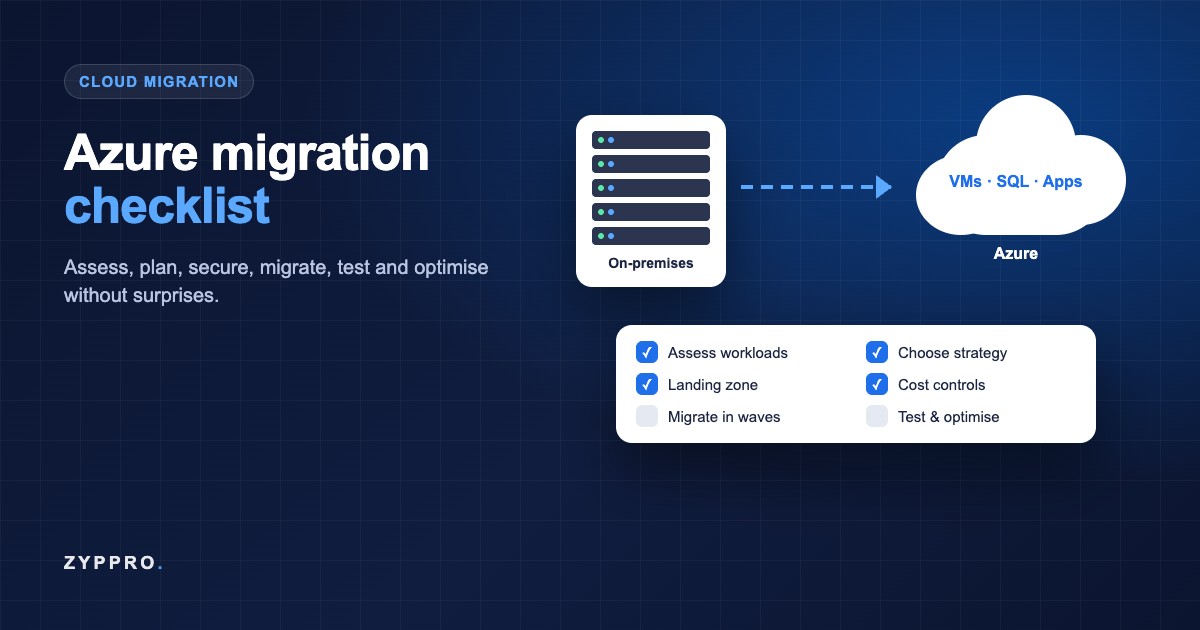
Moving to the cloud promises lower infrastructure costs, better security and the ability to scale. But many migrations end up over budget or with the same problems in a new place. The difference is planning.
This checklist walks through each phase of an Azure migration, so you know what to do, in what order, and what to watch out for.
Phase 1: Assess what you have
You can't move what you haven't mapped.
- Inventory every workload: servers, databases, applications, file shares and scheduled jobs.
- Map dependencies: which applications talk to which databases and services? Missing one dependency is the most common cause of migration-day failures.
- Measure current usage: CPU, memory, storage and network over several weeks, not just one day.
- Identify owners: who is responsible for each application and who signs off testing?
- Use Azure Migrate to discover on-premises servers, assess readiness and estimate Azure sizing and cost.
Phase 2: Choose a strategy for each workload
Not everything should be migrated the same way. Microsoft's Cloud Adoption Framework describes common approaches:
- Rehost ("lift and shift"): move virtual machines to Azure with minimal change. Fastest, but keeps old inefficiencies.
- Refactor: small changes to use managed services, for example moving a database to Azure SQL Database.
- Rearchitect: redesign the application to use cloud-native services such as App Service, Functions or containers.
- Rebuild: rewrite the application from scratch.
- Replace: retire the application and adopt a SaaS product instead.
- Retire: switch off what nobody uses. Every migration finds some.
A typical plan mixes these: rehost quickly to exit a data centre, then refactor the most valuable systems.
Phase 3: Build the foundation (landing zone)
Before moving workloads, set up the environment they will land in:
- Subscriptions and management groups organised by environment or business unit
- Identity: Microsoft Entra ID, multi-factor authentication and role-based access control (RBAC) with least privilege
- Networking: virtual networks, address ranges that don't clash with on-premises, VPN or ExpressRoute connectivity
- Governance: Azure Policy for allowed regions, required tags and approved resource types
- Security: Microsoft Defender for Cloud, Key Vault for secrets and network security groups
- Monitoring: Azure Monitor and Log Analytics from day one
- Backup and recovery: Azure Backup and, for critical systems, Azure Site Recovery
Phase 4: Plan costs before you spend
Cloud bills grow quietly. Put controls in place early:
- Set budgets and alerts in Azure Cost Management
- Right-size resources based on measured usage, not old server specs
- Check whether Azure Hybrid Benefit applies to your existing Windows Server and SQL Server licences
- Consider reservations or savings plans for steady workloads
- Tag every resource with owner, environment and cost centre
- Schedule auto-shutdown for dev and test environments
Phase 5: Migrate in waves
- Start with a pilot: a low-risk application that tests your process end to end.
- Group the remaining workloads into waves based on dependencies.
- Agree maintenance windows and communicate them to users.
- Prepare a rollback plan for every wave.
- Keep the old environment available until testing is signed off.
Phase 6: Test thoroughly
- Functional testing by application owners
- Performance testing under realistic load
- Security testing, including access reviews and vulnerability scans
- Backup and restore testing: a backup you haven't restored is not a backup
- Integration testing with every connected system
Phase 7: Optimise after go-live
Migration is the beginning, not the end.
- Review Azure Advisor recommendations for cost, security and performance
- Revisit sizing after 30 and 90 days
- Automate deployments with infrastructure as code (Bicep or Terraform) and CI/CD pipelines in Azure DevOps or GitHub Actions
- Plan the next step: refactoring key applications to managed and serverless services
Common pitfalls
- Moving everything as-is and expecting lower costs
- Ignoring licensing until the first invoice arrives
- Underestimating data transfer time for large databases
- No clear owner for cloud costs after go-live
How Zyppro can help
Zyppro Technologies helps businesses plan and execute Azure migrations and cloud modernisation, from assessment and landing zone design to application refactoring, DevOps automation and cost optimisation. We also integrate Azure with Dynamics 365 and the Power Platform. We work remotely or onsite and deliver anywhere in the world.
Planning a move to Azure? Visit www.zyppro.com or email contact@zyppro.com.